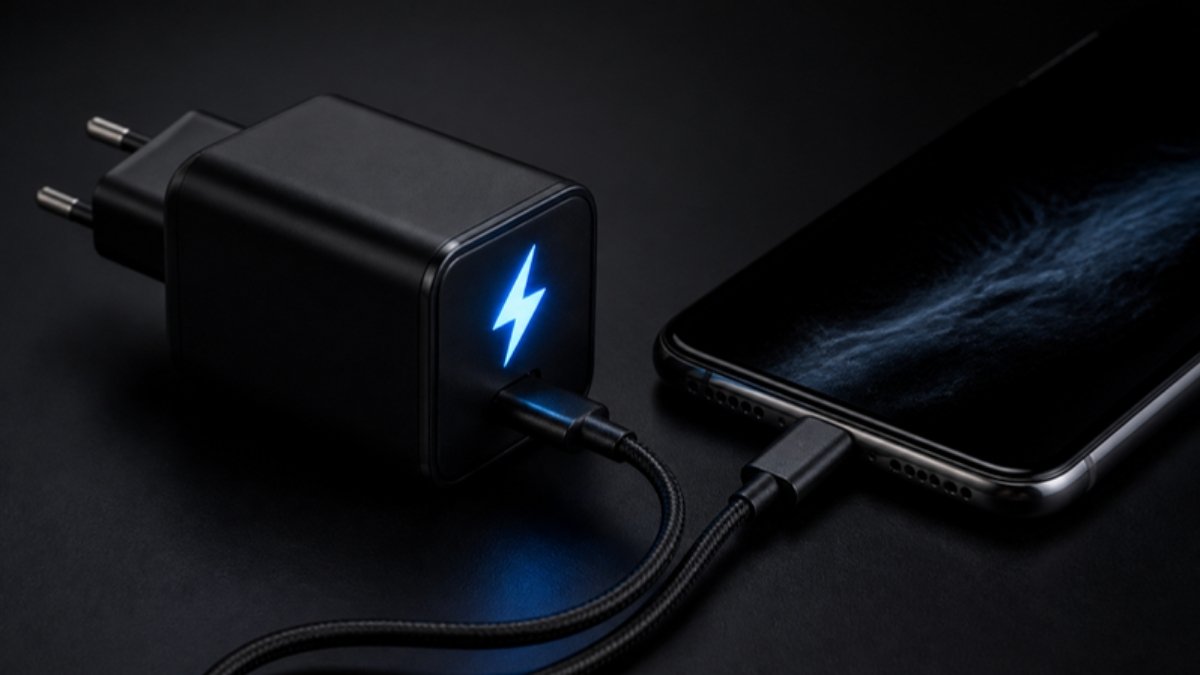
Your phone used to go from 20% to 80% in under an hour. Now it takes all afternoon. Fast charging depends on the phone, the adapter and the cable all working together. If one link breaks, the phone falls back to slow charging.
1. You are using a different charger or cable
Each brand uses its own fast-charging standard. A 45W Infinix phone on a 10W generic adapter charges slowly. Cheap cables also limit speed. Use the original charger and cable, or a certified one that supports your phone’s standard.
2. Fast charging is switched off
On Samsung, check Settings > Battery > Charging settings. Other brands have a similar toggle in battery settings.
3. The phone is too hot
Phones slow charging when hot. Remove the case, stop using it while charging and keep it out of the sun.
4. You are using it while charging
Gaming or video calls use almost as much power as the charger provides.
5. Dirt in the charging port
Lint can stop the cable from making full contact, so the phone cannot negotiate fast charging. Clean it gently with a wooden toothpick.
6. Smart or adaptive charging
Overnight, many phones charge slowly on purpose to protect the battery. This is normal.
7. Low voltage at the socket
Weak power supply, long extension boards and generator power can slow charging.
8. An ageing battery or damaged port
Old batteries charge less efficiently, and a worn port may not carry fast-charging current. A technician can test both.
Not charging at all? See why is my phone not charging. Worried about fake chargers? Read how to spot a fake charger.
Fast-charging phones at Simcel
- Samsung Galaxy S26 Ultra (256GB): 60W super fast charging.
- Infinix Hot 70: 45W fast charging.
- Tecno Camon 50 Ultra 5G: 45W fast charging.


Leave a Reply