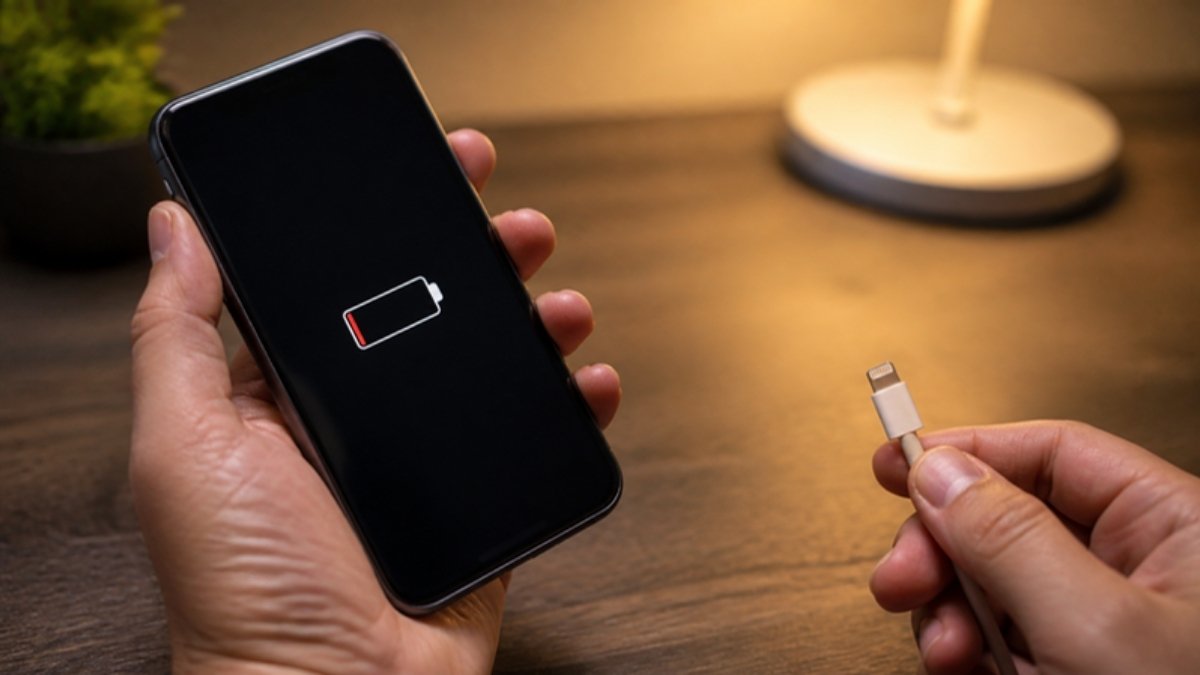
You plug in your phone, go to bed, and wake up to 9%. Or the charging icon comes and goes every time you move the cable. A phone that will not charge is stressful, but most causes are simple and cheap to fix. Work through this list from top to bottom before you pay for a repair.
1. The cable is damaged
Cables break inside long before you see damage outside, especially near the plug. Try a different cable that you know works. This one test solves a large share of charging complaints.
2. The adapter is weak or fake
Cheap roadside adapters often cannot deliver the power they claim. Test with another adapter. If your phone charges well on a good adapter, throw the bad one away; it can also damage the battery. See how to spot a fake charger.
3. The socket or extension has no stable power
Low voltage and loose extension boards are common, especially during dumsor. Try a different wall socket.
4. Dust and lint in the charging port
Pocket lint and dust pack into the port so the cable cannot go in fully. Shine a torch inside. If you see dirt, power off the phone and gently remove it with a wooden toothpick. Never use metal pins or blow into the port.
5. Moisture in the port
Many phones block charging when they detect liquid. Unplug, dry the phone, and leave it in a well-ventilated place for a few hours before charging again.
6. A software glitch
Restart the phone, then try charging. Install pending system updates. If charging only fails while the phone is on, the cause is likely software.
7. A battery that is fully drained
A deeply discharged battery may show no sign of life at first. Leave it on a good charger for 30 minutes before deciding it is dead.
8. Heat protection
If the phone is very hot, it may pause charging to protect itself. Move it out of the sun, remove the case and let it cool.
9. A worn-out battery
If the phone charges but the percentage jumps around or drops fast, the battery is likely tired and needs replacing.
10. A damaged charging port or board
If the cable feels loose or nothing above works, the port itself may be bent or broken. Port repairs on most Android phones are affordable. Our guide to charging port problems explains what a technician will check.
Quick checklist
- Try another cable.
- Try another adapter and socket.
- Clean the port gently.
- Restart the phone.
- Let it cool and dry.
- Still nothing? Visit a trusted repair shop.
Fast-charging phones from Simcel
If your old phone is past saving, these models charge quickly and reliably:
- Infinix Hot 70 (4GB+128GB): 45W fast charging for a 6000mAh battery.
- Samsung Galaxy A17 5G: 25W fast charging, a 5,000mAh battery and a Super AMOLED screen.
- Tecno Camon 50 Ultra 5G: 45W fast charging with IP68/IP69K protection and a top camera system.


Leave a Reply