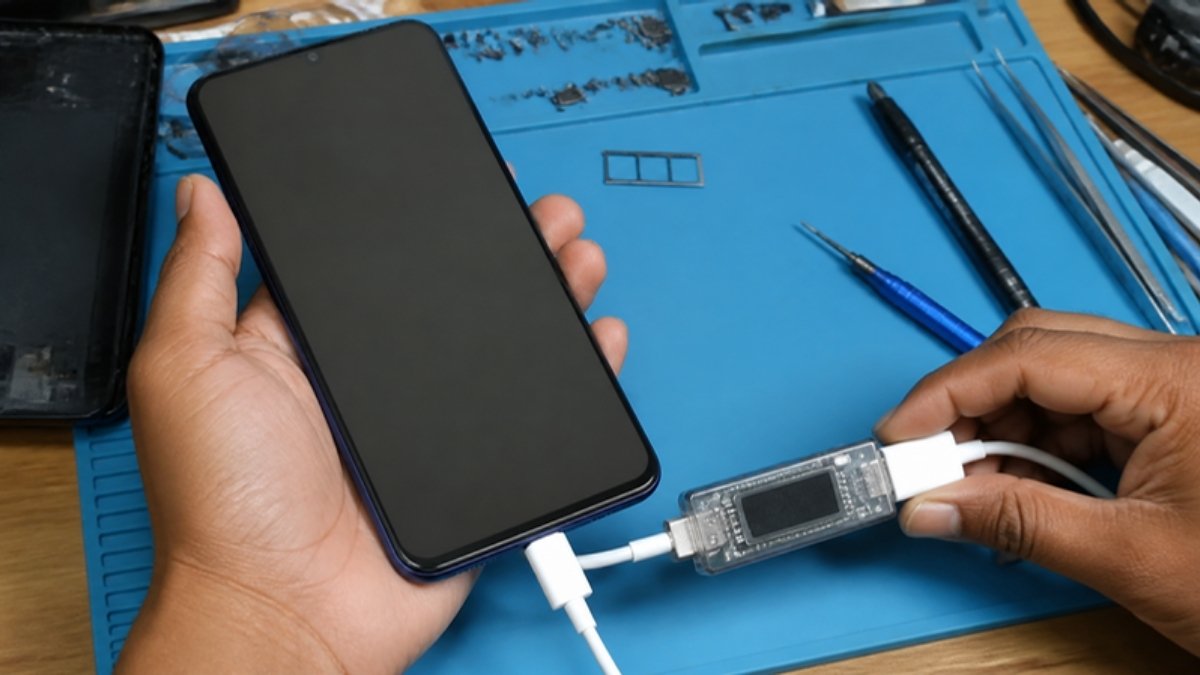
Infinix phones are loved in Ghana for big batteries, fast charging and large screens at friendly prices. When problems appear, they usually come down to battery, charging, heat or software. Here is how to fix the most common Infinix issues.
Battery draining fast
- Open Settings > Battery and check app usage.
- Enable Power Marathon or power saving mode on long days.
- Lower refresh rate and brightness.
- Restrict background activity for social media apps.
Charging slowly or not at all
- Infinix fast charging (for example 45W) only works with a compatible charger and cable. A generic charger will charge slowly.
- Clean the USB-C port with a wooden toothpick.
- Check that any charge-limit or smart charging setting is not stopping at 80%.
- Follow our full checklist on why a phone is not charging.
Overheating
- Do not game while fast charging.
- Remove thick cases during charging.
- Lower game graphics settings.
- Keep the phone out of direct sun.
Lag and slow performance
- Keep 15% to 20% storage free.
- Uninstall or disable pre-installed apps you do not use.
- Clear cache in heavy apps.
- Update XOS in Settings > System update.
Ads and pop-ups
Turn off notifications from system apps that push promotions, remove unknown apps, and avoid “cleaner” apps. Install apps only from the Play Store.
Network and SIM problems
- Toggle Airplane mode, then reinsert the SIM.
- Set the preferred network to 4G/LTE.
- Reset network settings if needed.
When to see a technician
Swollen batteries, cracked screens, water damage and phones that will not power on need professional help. Many of these tips also apply to Tecno phones; see common Tecno problems.
New Infinix phones at Simcel
- Infinix Hot 70 (4GB+128GB): 6000mAh, 45W fast charging and 120Hz display.
- Infinix Note Edge (8GB+256GB): 8GB RAM and 256GB for power users.
- Infinix Smart 20 (4GB RAM + 128GB): budget-friendly with plenty of storage.


Leave a Reply