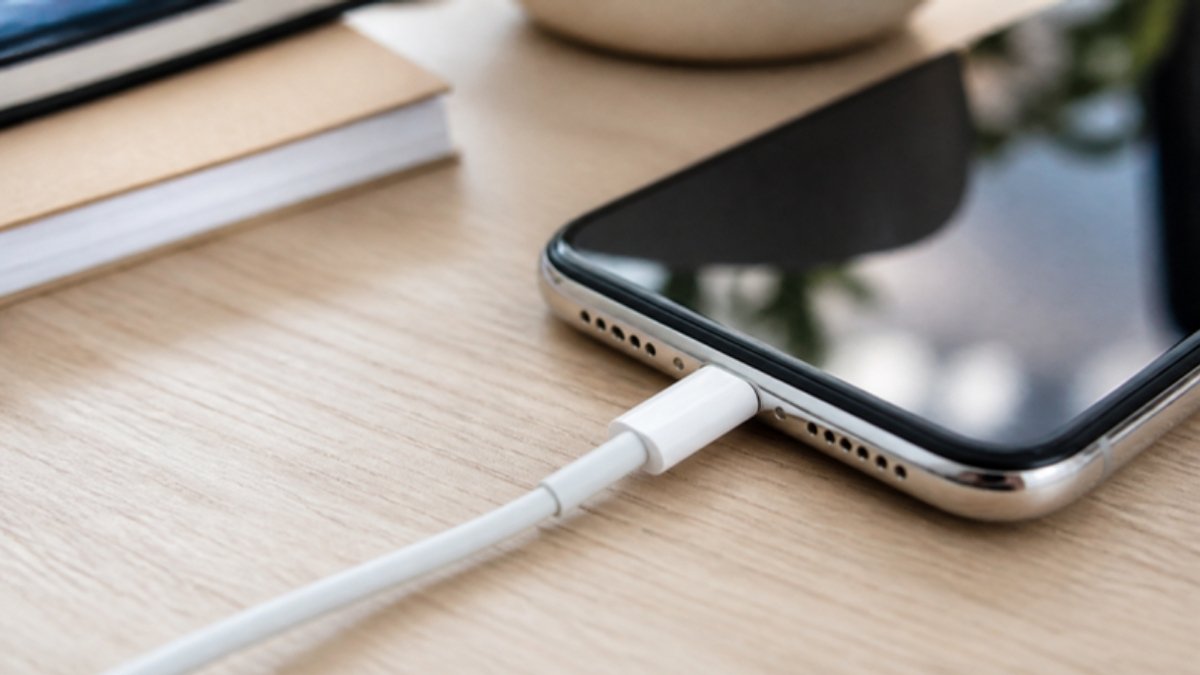
Your iPhone is plugged in, but the battery icon will not show the lightning bolt, or it charges for a second and stops. Before you book a repair, try these fixes in order. Most iPhone charging problems are caused by the cable, the adapter or dirt in the port.
1. Try a different cable and adapter
iPhones are sensitive to cheap cables. Copy cables often stop working after an iOS update or show “This accessory may not be supported.” Use an Apple or certified (MFi) cable and a good adapter.
2. Clean the Lightning or USB-C port
Switch the iPhone off, shine a torch into the port and look for lint. Gently scrape it out with a wooden toothpick. Do not use pins, needles or compressed air at close range.
3. Check for the liquid warning
If you see “Liquid Detected in Lightning Connector” or a similar alert, unplug, tap the iPhone gently with the port facing down, and leave it to dry in an airy place for at least 30 minutes to a few hours. Do not use rice or heat.
4. Is it stopping at 80%?
This is often not a fault. Optimized Battery Charging or the 80% Limit option pauses charging to protect the battery. Check Settings > Battery > Charging.
5. Let it cool down
iPhones pause charging when too hot. Remove the case and move out of the sun.
6. Force restart
On iPhone 8 and later: press and release Volume Up, press and release Volume Down, then hold the Side button until the Apple logo appears. Plug in again.
7. Update iOS
Go to Settings > General > Software Update. Updates can fix charging bugs.
8. Check battery health
If Maximum Capacity is low or says “Service”, the battery may be the problem. Here is how to check battery health.
When to see a technician
If none of this works, the charging port flex or the charging chip may be faulty. On iPhones, port repairs typically cost more than on Android phones, so ask for a clear quote and warranty.
Thinking of switching? Popular choices at Simcel
- Samsung Galaxy S26 Ultra (256GB): 60W super fast charging, 200MP camera and built-in S Pen.
- Samsung Galaxy S26 (256GB): Samsung’s compact flagship.
- Tecno Camon 50 Ultra 5G: 45W charging and flagship-style photography for less.


Leave a Reply