
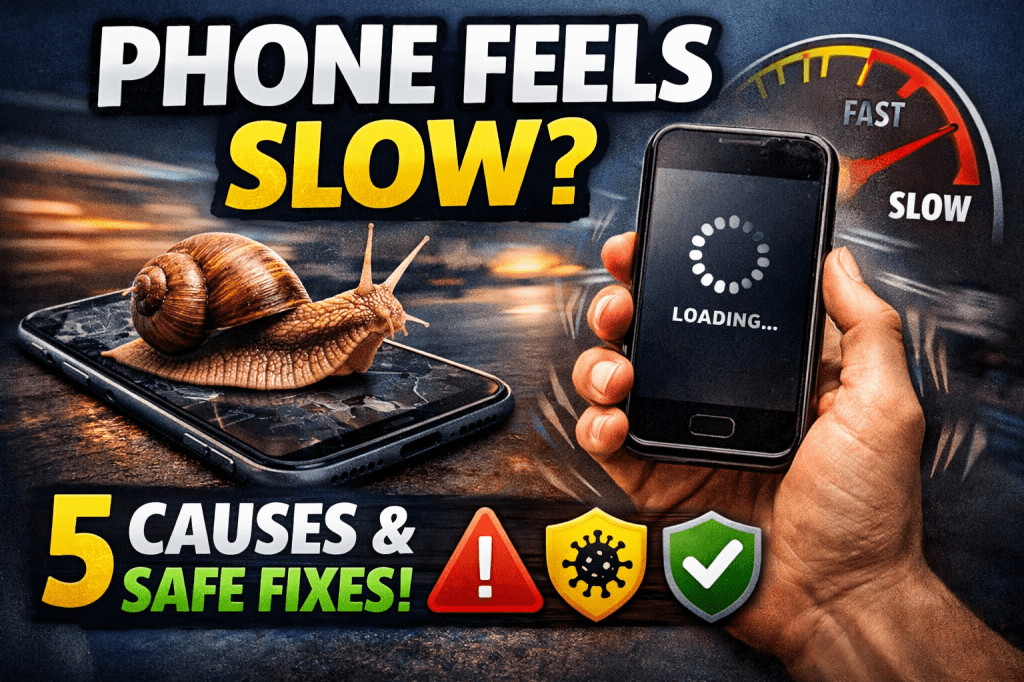
Let’s be honest.
When your phone starts freezing, hanging, or taking forever to open apps, it’s frustrating. Especially if you rely on it daily for business, social media, banking, or school work.
Before you rush to buy a new device (and spend money you don’t need to spend), let’s break this down properly.
Here are the 5 real reasons your phone feels slow — and the safest ways to fix each one.
1. Your Storage Is Almost Full
This is the number one cause.
When your storage is 85–95% full, your phone struggles to:
- Install updates
- Open apps smoothly
- Save temporary files
Your device needs free space to “breathe.”
🔧 Safest Fix:
- Delete unused apps
- Clear WhatsApp videos and forwarded media
- Back up photos to Google Photos or iCloud
- Keep at least 5–10GB free if possible
If you’re using budget devices like the Samsung Galaxy A17 or other entry-level phones, storage management is even more important.
2. Too Many Apps Running in the Background
Many people never close apps.
Apps like Facebook, TikTok, WhatsApp, and Instagram keep running — consuming RAM and battery.
Over time, your phone becomes sluggish.
🔧 Safest Fix:
- Close unused background apps daily
- Restart your phone at least once a week
- Disable auto-start for heavy apps
Simple habit. Big difference.
3. Outdated Software
Running an old system version can:
- Reduce performance
- Cause app crashes
- Create security risks
Manufacturers release updates to fix bugs and improve speed.
🔧 Safest Fix:
- Go to Settings → Software Update
- Install official updates only
- Avoid unofficial firmware installations
Never download random “speed booster” apps from unknown websites. They often make things worse.
4. Malware or Suspicious Apps
If your phone:
- Shows random pop-up ads
- Heats up quickly
- Drains battery fast
- Installs apps by itself
You might have malware.
This usually happens when apps are downloaded outside official stores.
🔧 Safest Fix:
- Uninstall suspicious apps immediately
- Only download apps from the Google Play Store or the Apple App Store
- Run a trusted mobile security scan
- If serious, back up data and factory reset
Be disciplined here. Convenience can cost you later.
5. Your Phone Hardware Is Simply Old
Let’s be real.
If your phone is 4–6 years old, with:
- 2GB or 3GB RAM
- Worn-out battery
- Old processor
It will struggle with modern apps.
Apps today are heavier than they were in 2019.
🔧 Safest Fix:
- Replace the battery if that’s the issue
- Upgrade to a newer device with at least:
- 4GB–6GB RAM
- 128GB storage
- Updated processor
If you’re running a business like SIMCEL VENTURES, you already know — your phone is not just a gadget. It’s a business tool. Slow tools slow income.
Bonus: The “Fake Fixes” to Avoid
Don’t waste money on:
- Random RAM booster apps
- Paid “phone cleaning” subscriptions
- Unknown repair technicians
Most slow phones can be fixed with proper storage management and basic maintenance.
A slow phone doesn’t always mean you need a new one.
It means:
- Clean it
- Update it
- Manage it
But if it’s genuinely outdated, upgrading may actually save you time, stress, and lost productivity.
And remember:
Your phone is your office, your bank, your marketing tool, your content studio.
Treat it like an asset — not just a device.
If you found this helpful, share it with someone always complaining about their “slow phone.”
For more tech tips, smart money ideas, and digital growth insights, visit your favorite online book shop:
👉 https://selar.com/m/Mindfuelpres


 SIMCEL ONLINE
Leave a Reply