
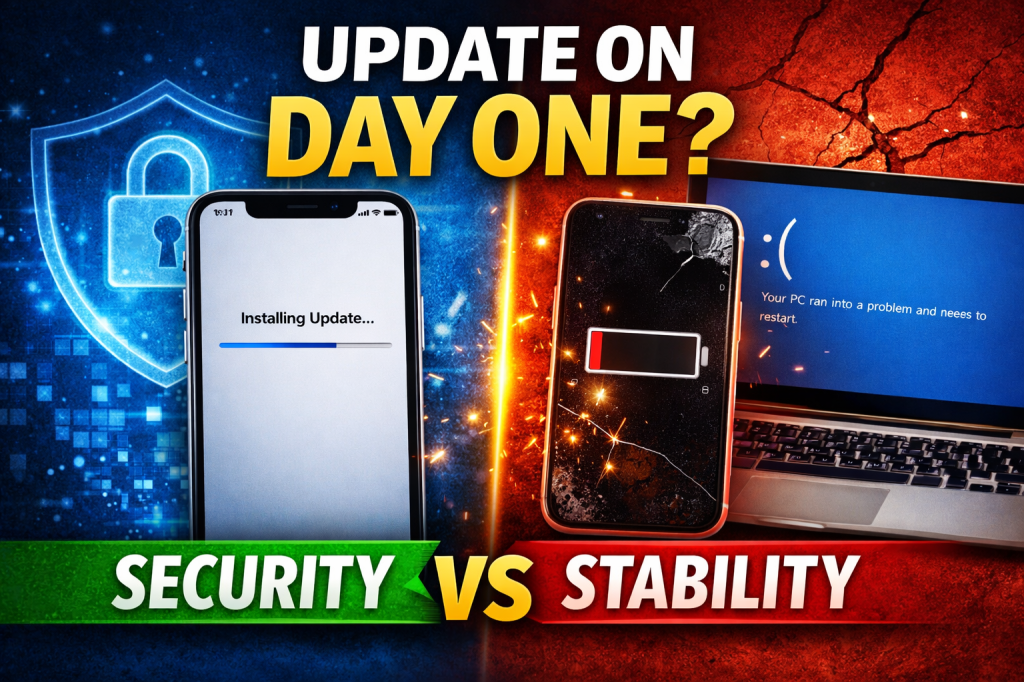
Security Protection vs System Stability — What Smart Users Do
Every time a major operating system update drops — whether it’s for Android, iOS, Windows 11, or macOS — the same question pops up:
Should you update immediately… or wait?
Some people tap “Install Now” without thinking.
Others wait weeks — sometimes months.
The truth? It depends on your goals and your risk tolerance.
Let’s break this down properly so you can make the right decision for your device, your data, and your business.
What Happens on “Day One” of a Major OS Release?
A major OS release usually includes:
- New features and UI redesign
- Performance improvements
- Security patches
- New privacy controls
- Compatibility updates for newer apps
But here’s what most people ignore:
- Hidden bugs
- App compatibility issues
- Battery drain problems
- Overheating
- Random crashes
Version 1.0 of anything is rarely perfect.
The Case for Updating on Day One (Security First)
If you value security above everything, updating early makes sense.
1. You Get Critical Security Patches
New OS versions often fix vulnerabilities that hackers already know about.
Delaying updates means:
- You stay exposed
- Malware risks increase
- Data theft becomes easier
If your device handles:
- Banking apps
- Business data
- Client information
- Crypto wallets
Then security should be a priority.
2. You Stay Compatible
Some apps update quickly and may stop supporting older OS versions over time.
Updating ensures:
- Smooth app performance
- Access to new features
- Better integration
3. You Benefit from Performance Optimizations
Sometimes updates genuinely improve:
- RAM management
- Speed
- System efficiency
But here’s the catch…
The Case for Waiting (Stability First)
Early adopters often become unofficial beta testers.
1. First Releases Often Have Bugs
Common early issues include:
- Faster battery drain
- Overheating
- Bluetooth problems
- Camera glitches
- App crashes
You don’t want your daily driver phone to become unstable.
2. Battery Life Can Take a Hit
Major updates:
- Re-index files
- Re-optimize apps
- Rebuild system cache
For the first few days, your battery may drain faster.
If your phone is already 2–3 years old, this can feel worse.
3. App Developers Need Time
Not all app developers optimize immediately.
Some banking or business apps may:
- Crash
- Freeze
- Lag
Waiting 2–4 weeks allows:
- Bug fixes (x.0.1, x.0.2 patches)
- App compatibility updates
- Real-world feedback from users
So… What Should YOU Do?
Here’s the practical answer.
Update Immediately If:
- Security is critical to your work
- You use your device for business transactions
- You’re comfortable troubleshooting issues
- Your device is relatively new (1–2 years old)
Wait If:
- Your device is older
- Stability matters more than new features
- You rely on specific apps for income
- You cannot afford downtime
If your phone powers your business (as many of you running online sales, POS systems, or content creation do), stability matters.
Don’t update emotionally. Update strategically.
Smart Strategy: The 14-Day Rule
Here’s what disciplined users do:
- Wait 10–14 days after release
- Check:
- User reviews
- Tech forums
- Battery performance reports
- Install once the first patches are released
This balances:
✔ Security
✔ Stability
✔ Peace of mind
Extra Tips Before You Update
Whether it’s Android or iOS:
- Back up your data
- Ensure 50%+ battery
- Use the original charging cable
- Free up storage
- Update apps first
Never update when:
- You’re traveling
- You need your phone urgently
- You have low storage
That’s how people get stuck.
Final Verdict: Security vs Stability
There is no universal answer.
It depends on:
- Your device age
- Your risk tolerance
- Your business dependency
- Your technical confidence
If you are running a business from your phone (like many entrepreneurs do), think like a business owner:
Stability protects income.
Security protects assets.
Balance both wisely.
If you found this helpful, share it with someone who always taps “Install Now” without thinking.
And if you want more practical tech tips that help you protect your devices and your money, keep following our blog — we break things down so you make smarter decisions.


 SIMCEL ONLINE
Leave a Reply