
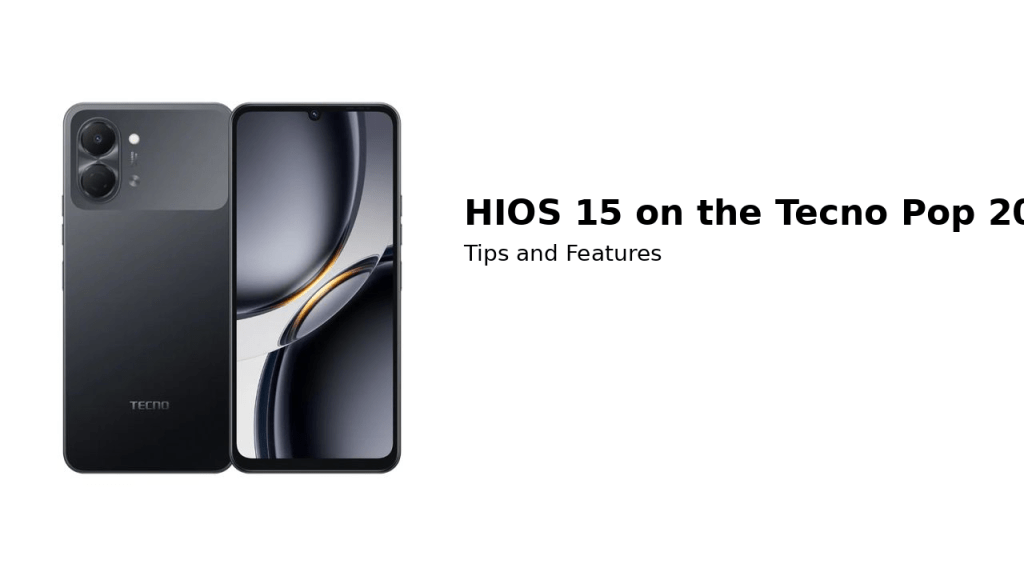
The Tecno Pop 20 ships with Android 15 layered with Tecno’s custom HiOS interface. HiOS adds features and customization options not found in stock Android. Here’s a look at key features in HiOS 15 and how to use them effectively.
Key Features of HiOS 15
- Dynamic Port: A pill‑shaped notification area that displays charging status, call information and other alerts at the top of the screen. It’s similar to “Dynamic Island” on premium phones. Use it to quickly respond to calls or check battery status without leaving your current app.
- Smart Panel: Swipe in from the side to access your favorite apps, tools (such as screenshot or screen recording) and quick contacts. Customize the panel with shortcuts to frequently used functions.
- Privacy Dashboard: Android 15 enhances privacy by showing how often apps access your location, camera and microphone. HiOS adds granular permission controls and prompts to help you manage sensitive permissions.
- Ultra Power Saving: This mode dramatically reduces background processes, lowers the refresh rate and switches the interface to dark tones. It’s useful when the 5,000 mAh battery is low and no charger is nearby.
- Kids Mode: Designed for families, Kids Mode restricts access to selected apps and sets usage time limits. Parents can allow educational content while blocking calls and messages.
Customization Tips
- Themes and Wallpapers: HiOS provides theme packs that change icons, fonts and wallpapers. Choose a simple theme for better performance or a vibrant theme to show off the Galaxy Blue color.
- Gesture Navigation: Enable gesture navigation for a full‑screen experience. Swipe up to go home, swipe from the sides to go back and swipe up and hold to view recent apps.
- One‑Handed Mode: Reduce the screen size for easier one‑handed use—helpful on the Pop 20’s 6.75‑inch display.
Security and Updates
- Fingerprint Unlock: The side fingerprint sensor offers quick and secure authentication. Register multiple fingers for convenience.
- Software Updates: Regularly check for system updates in Settings > System > Software Update. Updates often include security patches and feature improvements that enhance battery life and performance.
- App Twin: HiOS allows you to run two instances of apps like WhatsApp or Facebook, separating personal and work accounts.
Conclusion
HiOS 15 brings a range of useful features to the Tecno Pop 20, from productivity tools like Smart Panel to family‑friendly Kids Mode. By exploring these options and customizing them to your needs, you can make the most of your device and enjoy a more personalized Android experience.
Before you leave…
Thinking about upgrading your phone? 📱
Don’t guess the price — check it.
Explore the latest Tecno smartphones and accessories available at Simcel Ventures. From budget-friendly models to powerful, feature-packed devices, you’ll find options that match your needs and your budget.
👉 See current prices, available models, and exclusive deals HERE.
Smart choice. Smart price. Shop Tecno today.


 SIMCEL ONLINE
Leave a Reply