
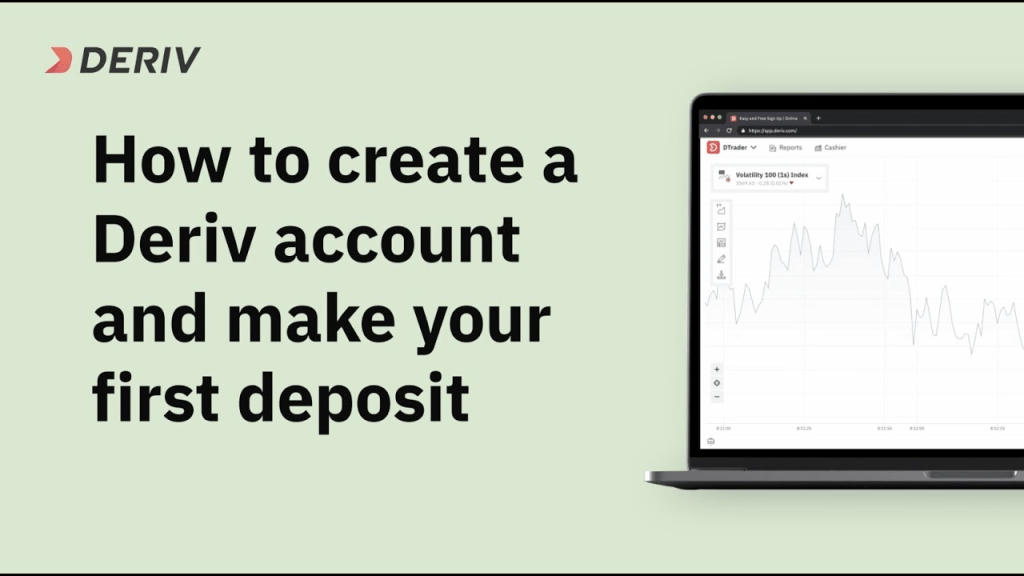
Deriv is a popular online trading platform that provides access to a wide range of financial instruments, including forex, commodities, cryptocurrencies, and more. If you’re new to Deriv and eager to get started, this step-by-step guide will walk you through the process of creating an account and making a deposit.
Step 1: Visit the Deriv Website To begin, open your web browser and navigate to the official Deriv website (deriv.com). Once you’re on the homepage, locate the “Sign up” or “Create an account” button and click on it to initiate the registration process.
Step 2: Choose Account Type and Fill in Personal Details Deriv offers different account types, such as real, demo, and financial, depending on your trading preferences. Select the account type that suits your needs and fill in the necessary personal details, including your name, email address, and contact information. Ensure that the information you provide is accurate and up to date.
Step 3: Set a Secure Password Create a strong and unique password for your Deriv account. A strong password typically includes a combination of upper and lower-case letters, numbers, and special characters. Avoid using easily guessable passwords and ensure that it’s something you can remember.
Step 4: Verify Your Email Address After submitting your registration details, Deriv will send a verification email to the address you provided. Access your email inbox and locate the email from Deriv. Click on the verification link provided in the email to confirm your account and proceed to the next step.
Step 5: Complete the Verification Process Deriv has strict verification procedures to ensure the security and compliance of its platform. To complete the verification process, you will need to provide some additional documents, such as proof of identity (passport, driver’s license, etc.) and proof of address (utility bill, bank statement, etc.). Follow the instructions provided by Deriv to submit the required documents. But you can actually start trading and make a deposit before verifying your account.
Step 6: Navigate to the Deposit Section Once your account is verified, log in to your Deriv account using your registered email address and password. After successfully logging in, locate the “Deposit” or “Add Funds” section. This section is typically found in the main navigation menu or account dashboard.
Step 7: Select the Preferred Deposit Method Deriv offers various deposit methods, including bank wire transfer, credit/debit card, and e-wallets like Skrill, Neteller, and WebMoney. Choose the deposit method that suits you best and proceed to the next step.
Step 8: Enter the Deposit Amount Specify the amount of money you wish to deposit into your Deriv account. Be mindful of any minimum deposit requirements or any applicable fees associated with the chosen deposit method.
Step 9: Provide Payment Details Depending on the deposit method chosen, you’ll need to provide the necessary payment details. If using a credit/debit card, enter the card number, expiry date, CVV, and billing address. For e-wallets, you’ll need to enter your e-wallet account details. Follow the on-screen instructions and provide the requested information accurately.
Step 10: Confirm and Process the Deposit Before finalizing the deposit, review all the information you’ve provided, including the deposit amount and payment details. If everything appears correct, confirm the deposit and initiate the payment process. The time it takes for the funds to reflect in your Deriv account will vary depending on the chosen deposit method.
Conclusion:
Creating a Deriv account and making a deposit is a straightforward process that involves a few simple steps. By following this step-by-step guide, you can quickly set up your Deriv account and begin trading various financial instruments.
Remember to always trade responsibly and ensure you fully understand the riskS involved in online trading.
click >>>SIGN UP to register


 SIMCEL ONLINE
Leave a Reply