
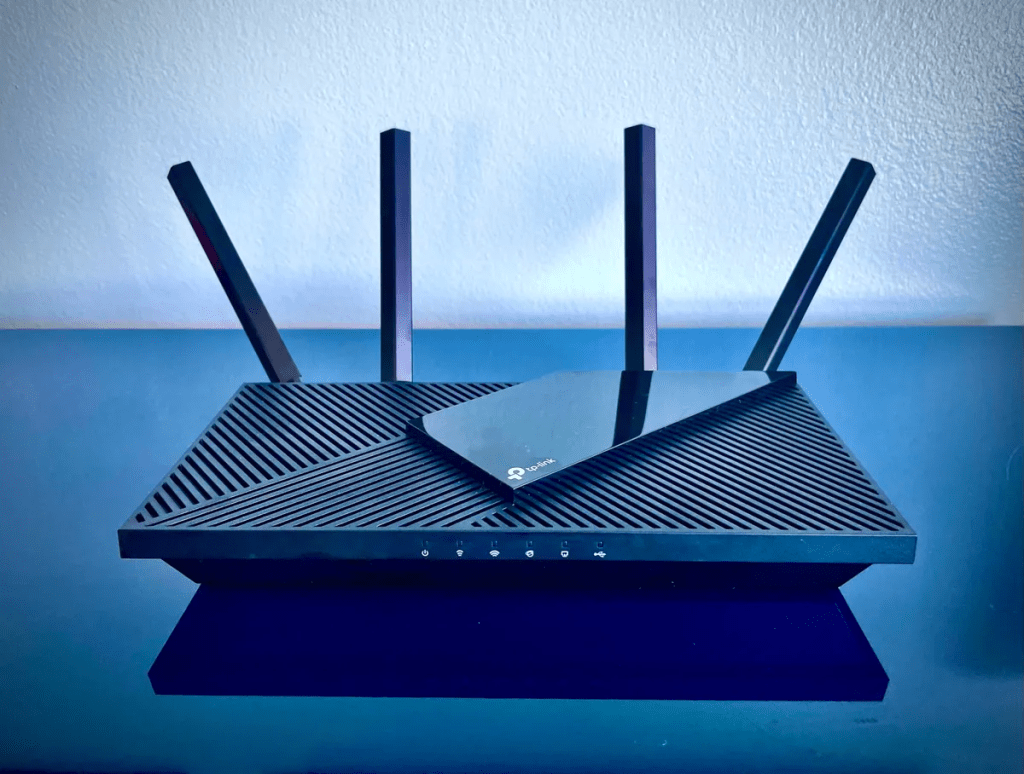
Having a reliable and far-reaching WiFi signal is essential for seamless connectivity throughout your home or office. The TP-Link AX1800 WiFi router is known for its exceptional performance, but how far can it extend its wireless coverage? In this blog post, we will explore the reach of the TP-Link AX1800 and understand how it can ensure a strong and stable WiFi signal across various environments.
Understanding WiFi Range: WiFi range refers to the distance at which a router can effectively transmit a wireless signal. Several factors can impact the range, including the router’s power output, antenna design, physical obstacles, interference from other devices, and environmental conditions.
The Reach of the TP-Link AX1800: The TP-Link AX1800 WiFi router provides robust wireless coverage suitable for most standard-sized homes and small offices. While the exact range can vary depending on the factors mentioned earlier, the AX1800 router can typically cover an area of approximately 2,000 to 2,500 square feet (185 to 230 square meters).
The range of the AX1800 router is achieved through a combination of factors:
- Transmit Power: The AX1800 router features a powerful transmit power, enabling it to send signals over longer distances. This helps ensure that the WiFi signal reaches all corners of your home or office, minimizing dead zones.
- Beamforming Technology: The AX1800 router utilizes beamforming technology, which focuses the WiFi signal toward connected devices. Instead of broadcasting the signal indiscriminately, beamforming helps direct the signal where it is needed the most. This targeted approach enhances the range and stability of the WiFi signal, particularly for devices located farther away from the router.
- Dual-Band Frequency: The AX1800 router operates on both the 2.4 GHz and 5 GHz frequency bands. The 2.4 GHz band provides better coverage over longer distances and can penetrate through walls and obstacles more effectively. The 5 GHz band offers faster speeds but has a slightly shorter range compared to the 2.4 GHz band. By utilizing both bands simultaneously, the AX1800 router ensures a balance between coverage and speed, providing a reliable WiFi signal throughout your space.
Maximizing WiFi Coverage:
While the TP-Link AX1800 router offers a commendable range, there are several steps you can take to optimize and extend your WiFi coverage:
- Router Placement: Position the router in a central location within your home or office to maximize coverage. Avoid placing it in areas obstructed by walls, furniture, or other electronic devices that may interfere with the signal.
- Antenna Orientation: Adjust the router’s antennas for optimal signal transmission. Experiment with different angles or consider upgrading to high-gain antennas for an increased range.
- WiFi Extenders or Mesh Systems: If you have a larger space or encounter areas with weak signal strength, consider using WiFi extenders or a mesh WiFi system. These devices can help extend the range of your WiFi network by amplifying the signal or creating a mesh network that blankets your entire space with WiFi coverage.
- Reduce Interference: Minimize interference from other electronic devices, such as microwaves or cordless phones, as they can disrupt the WiFi signal. Keep the router away from such devices to ensure a cleaner and stronger signal.
Conclusion:
The TP-Link AX1800 WiFi router offers an impressive range, covering most standard-sized homes and small offices. With its powerful transmit power, beamforming technology, and dual-band capability, the AX1800 router ensures a strong and stable WiFi signal throughout your space.
To maximize WiFi coverage, optimize the router’s placement, consider antenna adjustments, and address potential sources of interference. Additionally, WiFi extenders or mesh systems can be employed to further extend coverage in larger or more challenging environments.
By leveraging the capabilities of the TP-Link AX1800 router and implementing effective WiFi optimization techniques, you can enjoy reliable and seamless connectivity across your entire home or office.
GET IT >>>HERE


 SIMCEL ONLINE
Leave a Reply