
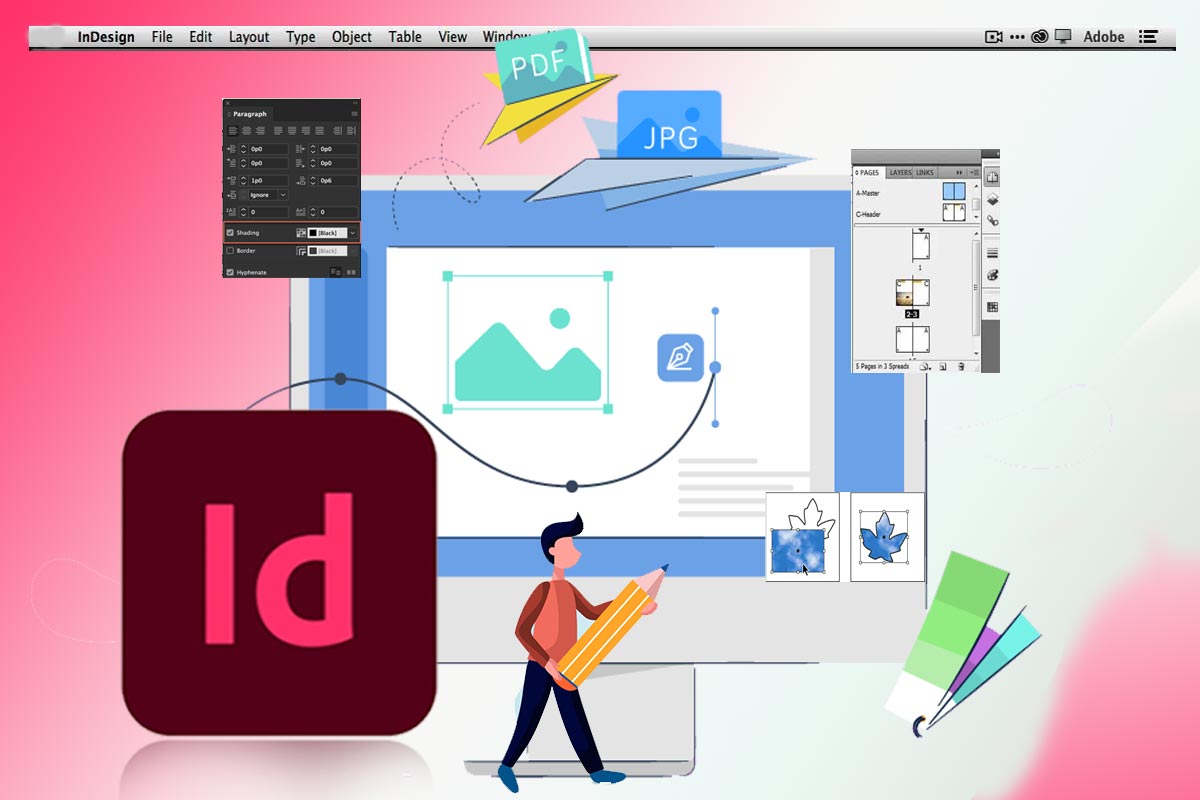
Adobe InDesign is a powerful desktop publishing software that is widely used by graphic designers, publishers, and marketers. With InDesign, you can create everything from brochures and flyers to magazines and books, and even interactive digital content.
To achieve mastery in Adobe InDesign, here are some tips to get started:
- Learn the basics: Familiarize yourself with the basic features of InDesign, such as working with text and images, setting up document layouts, and using various tools and panels. Start with the InDesign tutorials provided by Adobe, which will help you get up to speed quickly.
- Use styles: InDesign’s styles feature allows you to define consistent formatting for text, objects, and other design elements. By using styles, you can save time and ensure consistency across your designs.
- Work with layers: Layers allow you to organize your design elements and make it easier to edit and manage them. By using layers effectively, you can also create different versions of your design for different audiences or purposes.
- Utilize automation: InDesign has a range of automation tools that can save you time and improve efficiency. For example, you can use data merge to create multiple versions of a document with different data or images.
- Stay up to date with new features: Adobe InDesign is constantly evolving, with new features and updates being released regularly. To stay on top of the latest developments, it’s important to regularly read the official Adobe InDesign blog and attend training sessions or webinars.
By following these tips, you can achieve mastery in Adobe InDesign and create professional-quality designs with ease. Whether you’re a graphic designer, marketer, or publisher, InDesign is a valuable tool that can help you bring your ideas to life.
GET THE COMPLETE COURSE>>>HERE


 SIMCEL ONLINE
Leave a Reply