
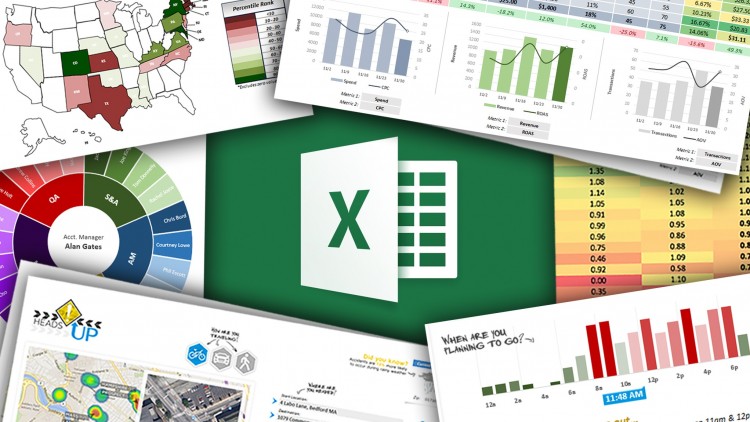
Business Intelligence (BI) is an essential tool for businesses to gain insights into their operations and make data-driven decisions. Microsoft Excel is a widely-used software tool that can be leveraged to perform Business Intelligence functions. In this article, we will explore how to use Microsoft Excel for Business Intelligence.
- Gathering Data
The first step in Business Intelligence is to gather data. Microsoft Excel allows you to import data from various sources such as databases, text files, and web pages. You can use the “Get Data” function in Excel to connect to various data sources and retrieve data.
- Data Cleansing
Once you have gathered your data, it’s essential to clean and prepare it for analysis. Data cleansing involves removing duplicates, correcting errors, and formatting data correctly. Excel has various functions and tools that can help you clean and prepare your data for analysis.
- Data Analysis
Once your data is cleaned, you can start analyzing it. Excel has many functions and tools that can help you analyze your data. For example, you can use the “PivotTable” function to summarize your data and create interactive reports. You can also use the “Conditional Formatting” function to highlight trends and patterns in your data.
- Data Visualization
Data visualization is an essential component of Business Intelligence. It involves presenting data in a graphical format, making it easier to understand and analyze. Excel has many tools for data visualization, such as charts, graphs, and maps. You can use these tools to create visualizations that help you communicate your findings to others.
- Business Intelligence Dashboards
Excel allows you to create Business Intelligence Dashboards that provide a summary of your data and KPIs. A dashboard is a visual display of the most important metrics and KPIs that allow you to monitor the performance of your business in real time. You can use Excel to create dynamic dashboards that update automatically as new data is added.
- Forecasting and Predictive Analysis
GET THE COURSE >>>HERE


 SIMCEL ONLINE
Leave a Reply